Töm listan

Är du säker på att du vill tömma listan?
Orderrader:
0

Töm inköpslista

Du har 0 orderrader i din inköpslista.
Är du säker på att du vill tömma inköpslistan?

Din inköpslista

Någonting gick fel när priserna hämtades. Försök igen.

Din inköpslista är tom

Idre - how to shop

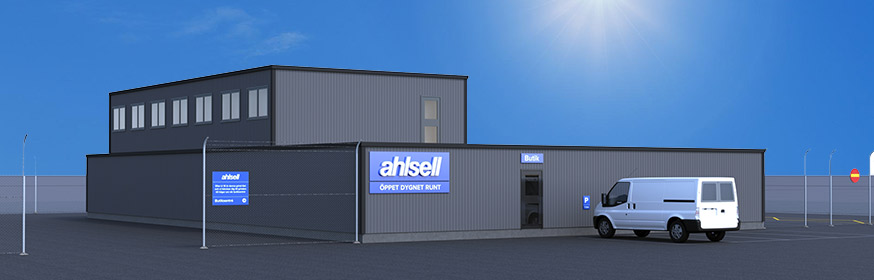
Welcome to our Ahlsell store in Idre! You will find all necessary information on how to shop in the text below.

Before you shop

 In order to shop in our unmanned store in Idre, you need to obtain a permission. Contact us at idre@ahlsell.se in order to receive it.

 You also need:

  1. An Ahlsell customer number.
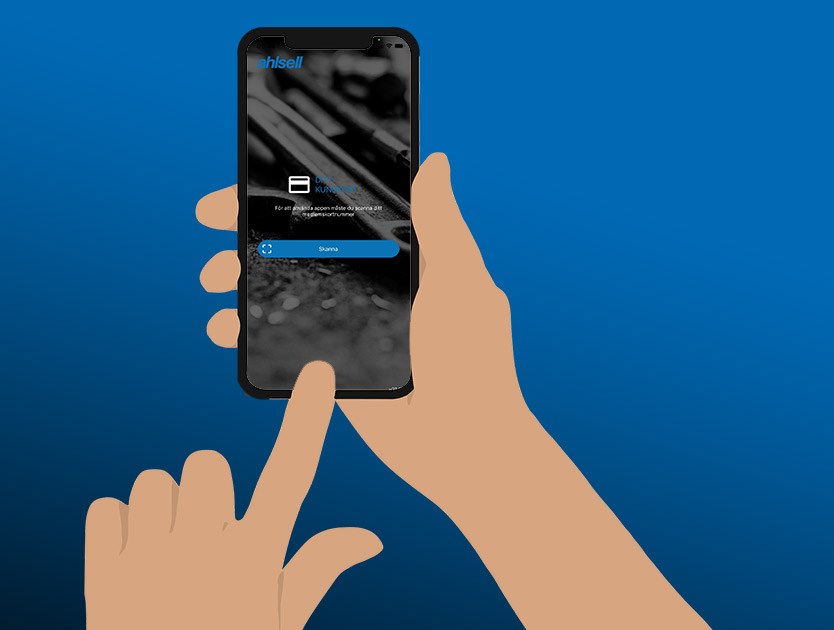
  2. A blue Ahlsell customer card which you can pick up at all manned Ahlsell stores. The card is needed to login to the app.
  3. The app Ahlsell Scanning, which is available on Google Play and App Store.
  4. MobileID from one of the Nordic countries.

To shop in our unmanned store

  1. Open the the app Ahlsell Scanning.
  2. The first time you use the app, you log in by scanning the bar-code on the back of the blue Ahlsell customer card.
  3. To open the door and start your purchase, scan the QR-code by the door with the app Ahlsell Scanning.

All purchases will be invoiced. Payments by credit cards and payment cards are not available.

To finish your purchase

To finish your purchase, scan the QR-code by the door. The door will unlock automatically.

Self-scanning

  1. With the app, scan the barcode for the article you want to purchase.
  2. Note that for some articles you have to enter “Styck (st)”, amount, “Förpackning (frp)”, Package or “Meter (M), Meter. Choose correct amount and click the save button.
  3. The security alarm will be disabled for 30 minutes after you have entered the store. Should you need additional time for your purchase, you can scan the QR-code inside the store “Utöka avlarmad tid”. Scanning the QR-code will give you an additional 30 minutes. You find the QR-codes at several places inside the store.

 Do you have questions about the store, products or anything else, please contact us at idre@ahlsell.se

Pick up goods

Scan the QR-code by the door or the gate with the Ahlsell Scanning app to enter the store.

  1. Look for your delivery note in the binder, sorted by the first letter in the company name, in alphabetical order.
  2. On the delivery note, you find information about which shelf your goods is located.
  3. Make sure the number tag on the delivery note corresponds with the number tags on all your packages. The number of packages appears at the bottom of the delivery note. Note that your packages can be placed at different shelfs due to size.

Do you miss anything?

Place your order at ahlsell.se before 4 pm and your products will be delivered to this store tomorrow (weekdays only).

Your point of view is important to us

Do you miss anything in our standard assortment?

Is there anything else you're wondering about?

Let us know! We continuously strive to improve our unmanned store.


Alarm and surveillance

The store is under constant camera surveillance.

The store is protected by a security alarm 24/7. The alarm will be disabled for 30 minutes after you scan the QR-code by the entrance and the gate. Should you need additional time for your purchase, you can scan the QR-code inside the store “Utöka avlarmad tid”. Scanning the QR-code will give you an additional 30 minutes. You find the QR-codes at several places inside the store.

Alarm and surveillance: Securitas.


In case of emergency, call 112.

The address is: Dalsbovägen 6, 797 92 Idre

Meddelande från Ahlsell

Javascript är avstängt i din webbläsare. För full funktionalitet rekommenderar vi att du slår på Javascript